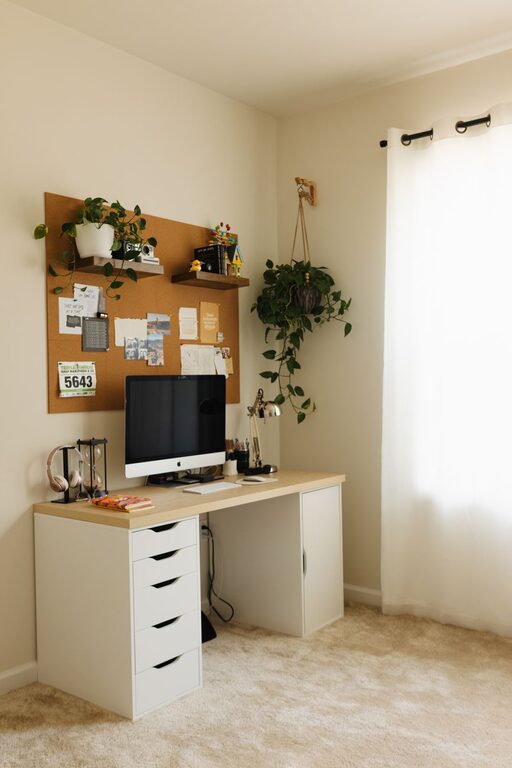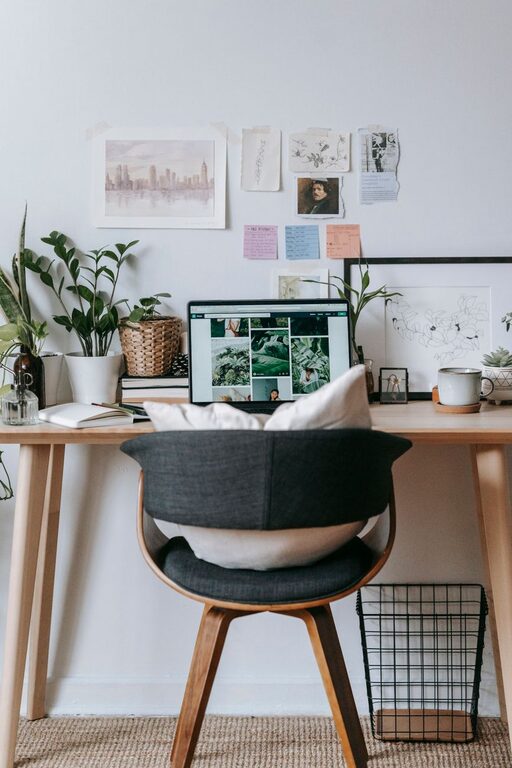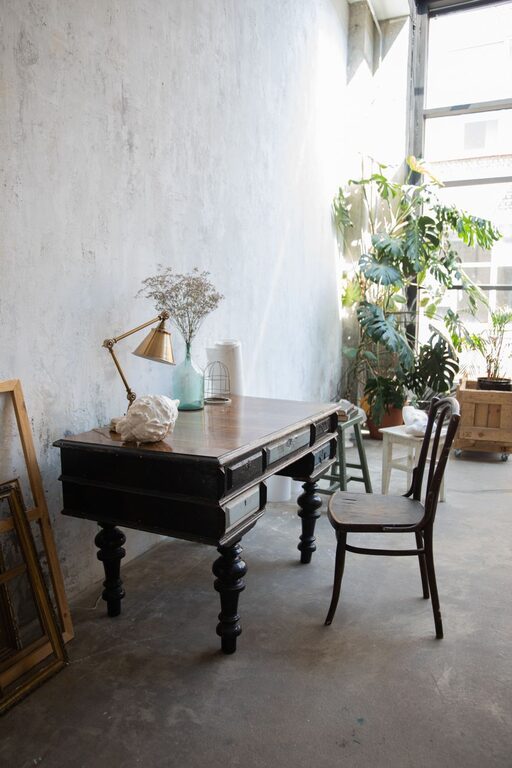
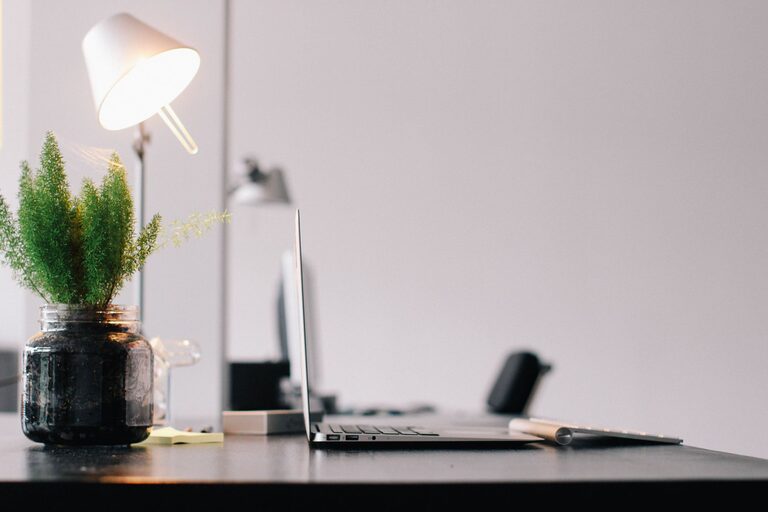
Creating a productive home office space is essential for anyone working remotely or managing tasks from home. The right environment can improve focus, reduce stress, and increase efficiency. This guide offers practical tips to help you set up a workspace that supports your productivity and well-being.
Choose the Right Location
Start by selecting a spot in your home that suits your work needs. Ideally, this space should be quiet and free from frequent distractions. If possible, pick a room with a door to separate work from home life.
– Look for natural light: A well-lit space can boost mood and energy levels.
– Consider privacy: Find a corner away from busy household areas.
– Think about internet connection: Ensure the location has a strong, reliable Wi-Fi signal.
Invest in Comfortable and Functional Furniture
Your furniture choices impact your comfort and posture, which affect how long and effectively you can work.
– Desk: Choose a desk with enough surface area for your computer, paperwork, and other essentials.
– Chair: Invest in an ergonomic chair that supports your back and promotes good posture.
– Adjustable furniture: Consider height-adjustable desks or chairs to alternate between sitting and standing.
Organize Your Workspace Efficiently
Clutter can distract and reduce productivity. Keeping your workspace tidy and organized promotes focus.
– Use storage solutions like shelves, drawers, and organizers.
– Keep only necessary items on your desk to avoid distractions.
– Label files and containers for easy access.
– Regularly clear your workspace at the end of each day.
Optimize Lighting
Good lighting reduces eye strain and keeps you alert throughout your work hours.
– Position your desk near a window for natural light.
– Use adjustable desk lamps to focus light where needed.
– Choose bulbs with a color temperature around 4000K to 5000K for a balance between warm and cool light.
– Avoid glare on your monitor by adjusting blinds or your screen angle.
Minimize Noise and Distractions
Reducing noise helps maintain concentration.
– Use noise-cancelling headphones or play white noise to block out background sounds.
– Inform family members or housemates of your work hours to minimize interruptions.
– Consider soundproofing options like rugs, curtains, or acoustic panels if needed.
Personalize Your Space
A welcoming, personalized space can improve motivation and make work more enjoyable.
– Add plants to improve air quality and create a calming atmosphere.
– Decorate with artwork or photos that inspire you.
– Use colors that boost focus, like blues or greens.
Establish a Routine and Boundaries
Creating habits and boundaries helps separate work time from personal time, especially when working from home.
– Set specific working hours and stick to them.
– Use breaks to step away from your desk and refresh your mind.
– Communicate your schedule with others in your household.
Use Technology Wisely
Technology can enhance productivity but also cause distractions if not managed well.
– Organize digital files and tools in an easy-to-navigate way.
– Use productivity apps or timers to manage your tasks.
– Limit social media and non-work-related websites during work hours.
Keep Ergonomics in Mind
Prevent discomfort and injury by adopting ergonomic practices.
– Position your monitor at eye level, about an arm’s length away.
– Keep your keyboard and mouse at a comfortable height to avoid strain.
– Take short breaks to stretch and move around.
Maintain Good Air Quality and Temperature
A comfortable environment supports focus and health.
– Keep your workspace well-ventilated.
– Use a fan or heater as needed to maintain a comfortable temperature.
– Ensure humidity levels are balanced to prevent dryness or stuffiness.
Final Thoughts
Designing a productive home office space is about balancing comfort, functionality, and personal preferences. By thoughtfully organizing your workspace, investing in good furniture, and managing your environment, you can create a place that supports your best work. Experiment with these tips to find what works best for you and enjoy a more focused, efficient workday at home.
About the Author