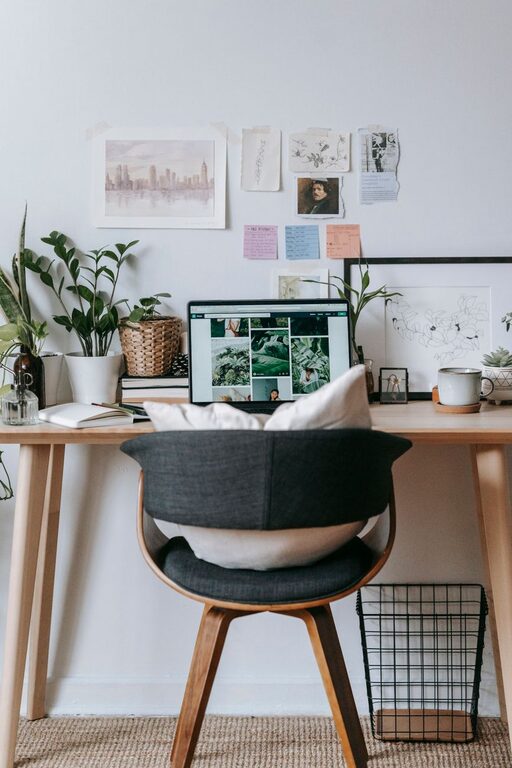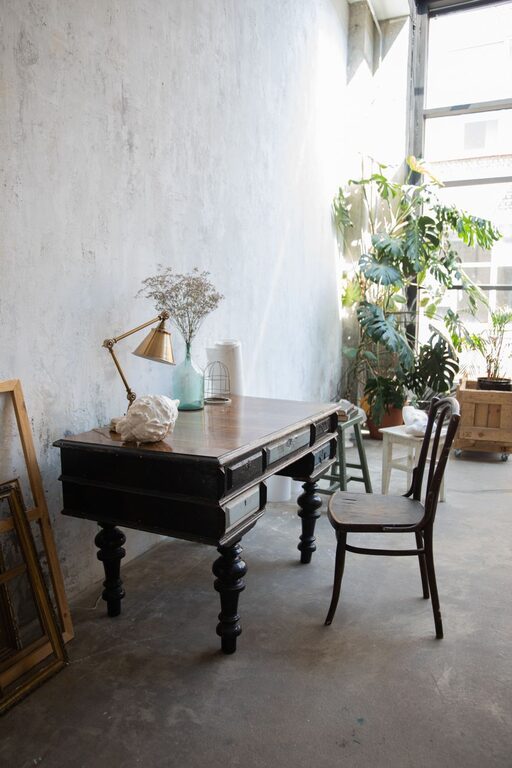
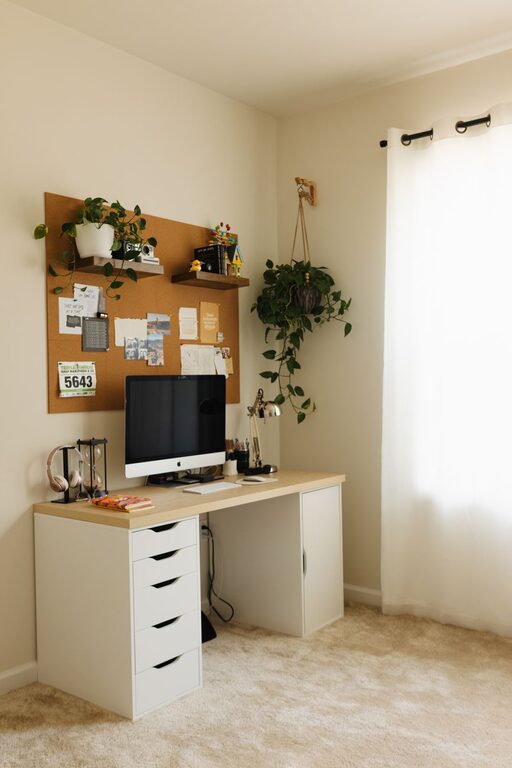
Creating a home office that is both cozy and productive can greatly enhance your work-from-home experience. Whether you’re setting up a dedicated room or carving out a spot in your living area, a well-designed space promotes focus, reduces stress, and makes work more enjoyable. This guide provides practical tips to help you design a home office where comfort meets efficiency.
Choose the Right Location
Selecting the ideal spot for your home office is the first step to success. Look for a quiet area with minimal interruptions, good natural lighting, and sufficient space for your needs.
– Natural light: Position your desk near a window to benefit from sunlight, which can improve mood and energy.
– Separation from distractions: Avoid high-traffic areas to maintain concentration.
– Space for essentials: Ensure you have room for your computer, storage, and any other tools you need.
Invest in Comfortable and Functional Furniture
Your furniture plays a vital role in maintaining comfort during long work hours.
– Ergonomic chair: Choose a chair that supports your back and encourages good posture.
– Adjustable desk: Consider a desk with adjustable height to alternate between sitting and standing.
– Adequate surface area: Pick a desk that fits your equipment without feeling cramped.
Organize Efficiently
Clutter can distract and reduce efficiency. An organized workspace helps you stay focused and manage tasks effectively.
– Storage solutions: Use shelves, drawers, or filing cabinets to keep documents and supplies tidy.
– Cable management: Keep wires under control with clips or cable organizers to avoid mess.
– Daily tidying: Spend a few minutes at the end of each day clearing your desk.
Personalize Your Space
Adding personal touches makes your office feel inviting and motivates you.
– Artwork or photos: Display images that inspire or bring you joy.
– Plants: Indoor plants add color and improve air quality, creating a calming atmosphere.
– Soft textiles: Use a cozy rug or cushions to add warmth.
Control Lighting
Proper lighting reduces eye strain and sets the mood for productivity.
– Layered lighting: Combine overhead lights with task lighting, such as desk lamps.
– Adjustable brightness: Choose lighting that can be dimmed or brightened according to the time of day.
– Avoid glare: Position monitors and lights to minimize reflections on screens.
Manage Noise Levels
Noise can disrupt focus, so consider ways to create a quiet environment.
– Noise-canceling headphones: Useful if you cannot control surrounding sounds.
– Soundproofing: Add rugs, curtains, or acoustic panels to absorb sound.
– Background music: Soft instrumental music or white noise can help some people concentrate.
Maintain a Healthy Work Environment
Your physical and mental well-being affect productivity and comfort.
– Air quality: Open windows regularly or use air purifiers to keep fresh air flowing.
– Temperature control: Keep the room at a comfortable temperature to avoid distractions.
– Regular breaks: Step away from your desk to stretch and recharge.
Use Technology Wisely
The right tech tools can enhance your workflow and comfort.
– Monitor stands: Elevate screens to eye level to reduce neck strain.
– Wireless accessories: A wireless keyboard and mouse reduce clutter.
– Reliable internet: Ensure fast and stable connectivity for smooth virtual meetings.
Keep Your Workflow Visible
Visual aids help manage tasks and deadlines effectively.
– Whiteboards or bulletin boards: Great for notes, reminders, or inspiration.
– Calendars and planners: Keep track of appointments and goals at a glance.
—
Creating a cozy and productive home office is about balancing comfort, organization, and functionality. By thoughtfully designing your workspace and incorporating personal elements, you can establish an environment that supports your work and well-being every day. Whether you’re new to working from home or updating an existing office, these tips will help you craft the perfect spot to focus and create.
About the Author