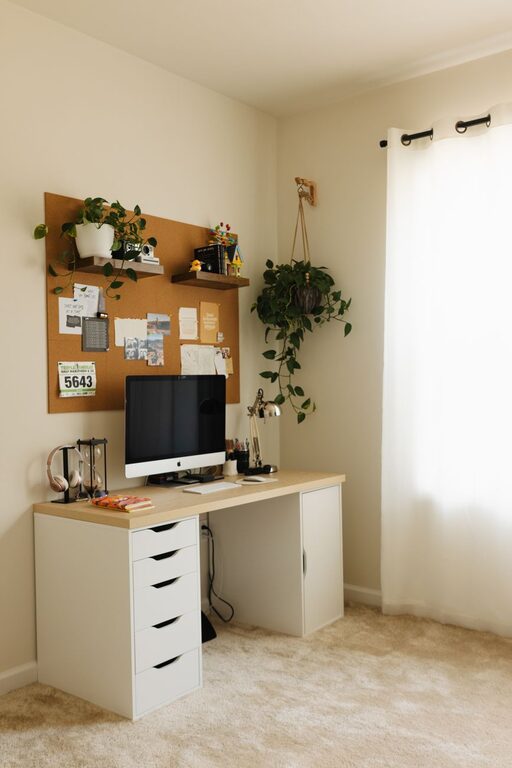
Creating a cozy and productive home office space is essential for anyone working remotely or managing tasks from home. A well-designed workspace not only boosts your efficiency but also makes long hours more comfortable and enjoyable. Whether you have a dedicated room or a small corner, these tips can help you transform your area into a welcoming and effective office.
Choose the Right Location
Selecting the right spot for your home office is the first step to creating a productive environment.
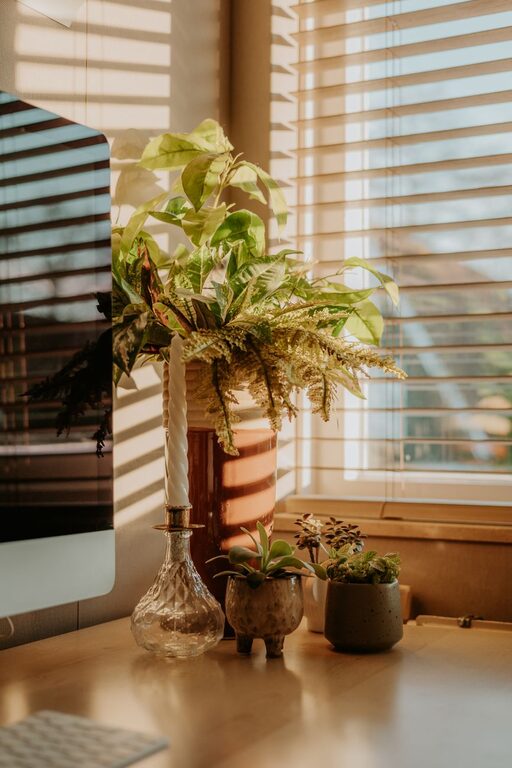
– Natural Light: Place your desk near a window if possible. Natural light improves mood, reduces eye strain, and keeps you energized during the day.
– Quiet Area: Pick a space away from high-traffic areas in your home to minimize distractions.
– Space Considerations: Make sure there’s enough room for your desk, chair, and any equipment you need without feeling cramped.
Invest in Comfortable Furniture
Comfort is key when setting up a productive workspace.
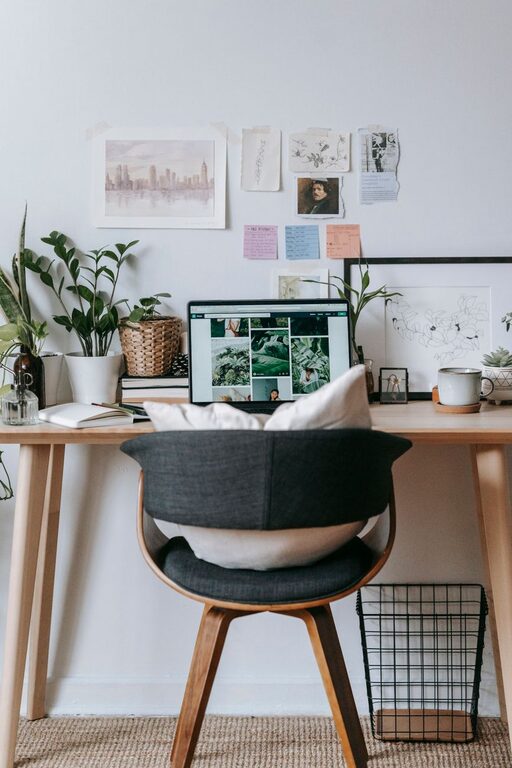
– Ergonomic Chair: An adjustable chair with good lumbar support helps prevent back pain and keeps you comfortable during long work sessions.
– Desk Height: Your desk should allow your arms to rest at a 90-degree angle when typing. Consider adjustable desks if you want the option to stand while working.
– Additional Seating: If space allows, a small couch or armchair can be a nice addition for breaks or reading.
Organize for Efficiency
Keeping your workspace organized saves time and reduces stress.
– Declutter: Remove unnecessary items from your desk to maintain focus.
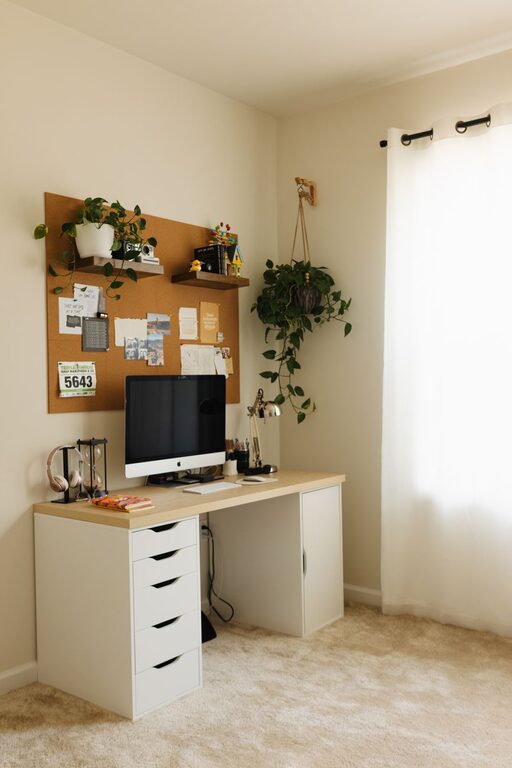
– Storage Solutions: Use shelves, drawers, or filing cabinets to keep documents and supplies tidy and easy to find.
– Cable Management: Use clips or sleeves to keep cords organized and prevent tangling.
Personalize Your Space
Adding personal touches can make your home office feel inviting and inspiring.
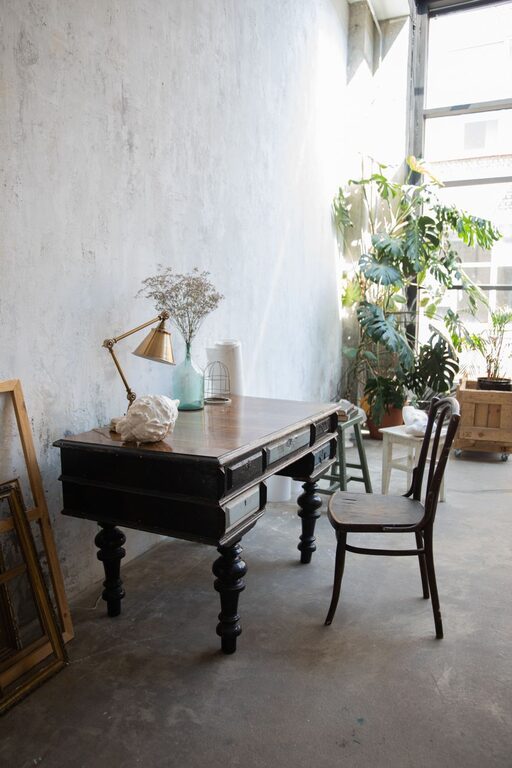
– Decor: Include artwork, plants, or photos that make you happy and motivated.
– Colors: Choose calming colors such as soft blues, greens, or neutrals to create a soothing atmosphere.
– Lighting: Use a combination of ambient lighting and task lighting, like desk lamps, to reduce eye strain and create a warm environment.
Minimize Distractions
Keeping distractions to a minimum helps maintain focus and productivity.
– Noise Control: Use noise-canceling headphones or play soft background music if ambient noise is a problem.
– Limit Technology Temptations: Keep phones or tablets away unless necessary for work.
– Set Boundaries: Inform family members or roommates of your working hours to minimize interruptions.
Incorporate Technology Wisely
Having the right tools improves efficiency and comfort.
– Reliable Internet: A strong and stable internet connection is crucial for communication and accessing resources.
– Quality Equipment: Invest in a good monitor, keyboard, and mouse to reduce strain.
– Backup Plan: Use cloud storage or external drives to keep your work safe and accessible.
Establish a Routine
A consistent routine helps mentally separate work time from personal time.
– Set Work Hours: Define clear start and end times for your workday.
– Take Breaks: Schedule regular breaks to stand up, stretch, and refresh.
– Daily Goals: Plan your tasks to stay organized and maintain a sense of accomplishment.
Keep It Flexible
Your home office should adapt to your needs over time.
– Adjust Layout: Be open to rearranging your space for better comfort or usability.
– Upgrade Equipment: As your work changes, update your technology and furniture to support your tasks.
– Experiment: Try different lighting, seating, or decor arrangements to see what works best.
—
By thoughtfully designing your home office with comfort, organization, and focus in mind, you can create a space that supports both your productivity and well-being. Start with small changes and build a workspace that truly feels like your own.
About the Author