Working from home offers flexibility and convenience, but it also comes with challenges—especially when it comes to staying productive. Creating a dedicated home office environment tailored to your needs can help you focus, manage your time better, and maintain a healthy work-life balance. Here are some practical tips to help you set up a productive home office.
Choose the Right Location
Your workspace should be somewhere you can focus without constant distractions.
– Dedicated Space: Ideally, select a room or a corner that is separate from your living or sleeping areas.
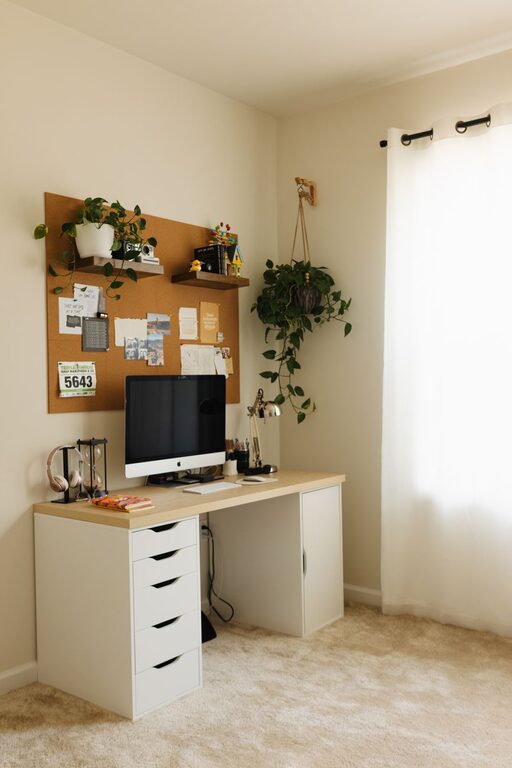
– Natural Light: Aim for a spot near a window. Sunlight boosts mood and energy.
– Minimize Noise: If possible, pick a quieter area away from household noise. Consider noise-cancelling headphones if necessary.
Invest in Comfortable Furniture
Comfort is key for long hours of work to avoid fatigue and discomfort.
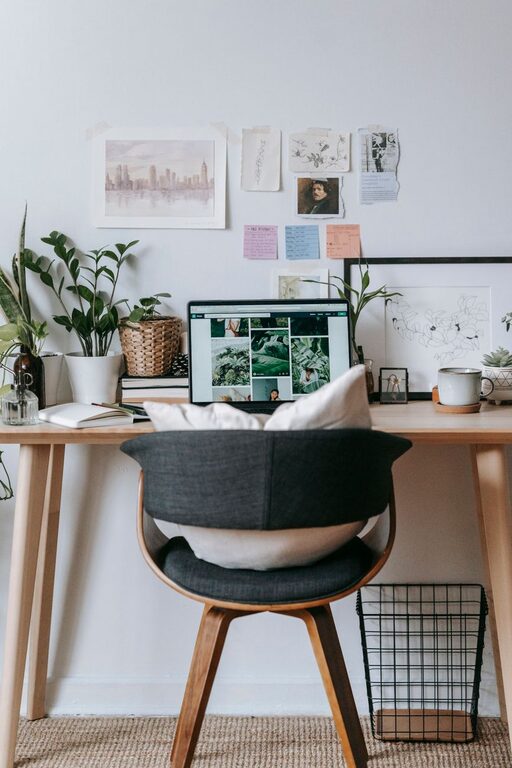
– Ergonomic Chair: Choose a chair that supports your back and encourages good posture.
– Desk Height: Ensure the desk height allows your arms to rest comfortably, with wrists straight while typing.
– Adjustable Options: An adjustable desk or chair can help you switch between sitting and standing, which may improve focus and reduce strain.
Organize Your Workspace
Clutter can be a major distraction. Keeping your workspace tidy helps maintain focus.
– Declutter: Only keep essential items on your desk.
– Storage Solutions: Use shelves, filing cabinets, or desk organizers to store papers and supplies.
– Cable Management: Use clips or ties to organize cords and keep them out of the way.
Optimize Lighting
The right lighting reduces eye strain and keeps you alert.
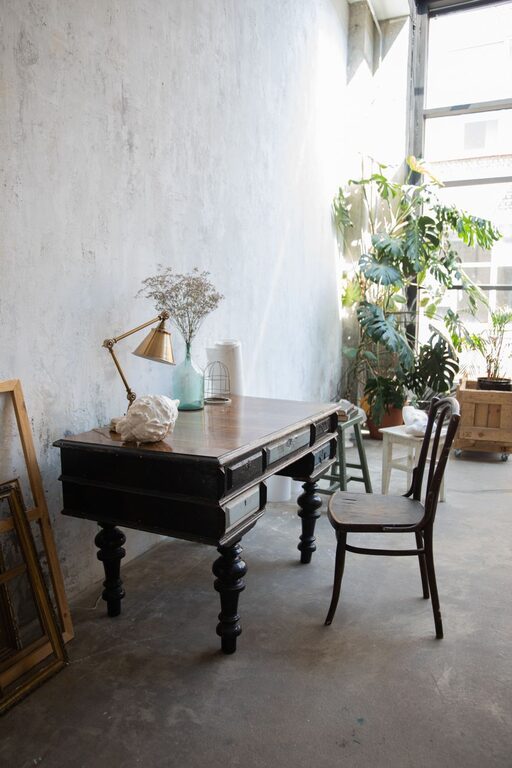
– Task Lighting: Use a desk lamp to illuminate your work area.
– Avoid Glare: Position screens and lamps to avoid reflecting glare on your monitor.
– Natural Light: Combine natural light with soft artificial light for a balanced setup.
Minimize Distractions
A home office doesn’t mean being free from interruptions, but you can control many distractions.
– Set Boundaries: Communicate your work hours to family or roommates.
– Turn Off Notifications: Use “Do Not Disturb” mode on devices to reduce digital interruptions.
– Use Focus Tools: Apps like timers or noise generators can help you stay on task.
Personalize Your Space
A welcoming work environment can boost motivation.
– Add Plants: Indoor plants improve air quality and add a touch of calm.
– Inspiring Decor: Use artwork or motivational quotes that encourage productivity.
– Comfort Items: A cozy blanket or your favorite mug can make your office feel inviting.
Pay Attention to Technology Setup
A smooth technology setup reduces frustration and saves time.
– Reliable Internet: Ensure a stable internet connection to avoid interruptions.
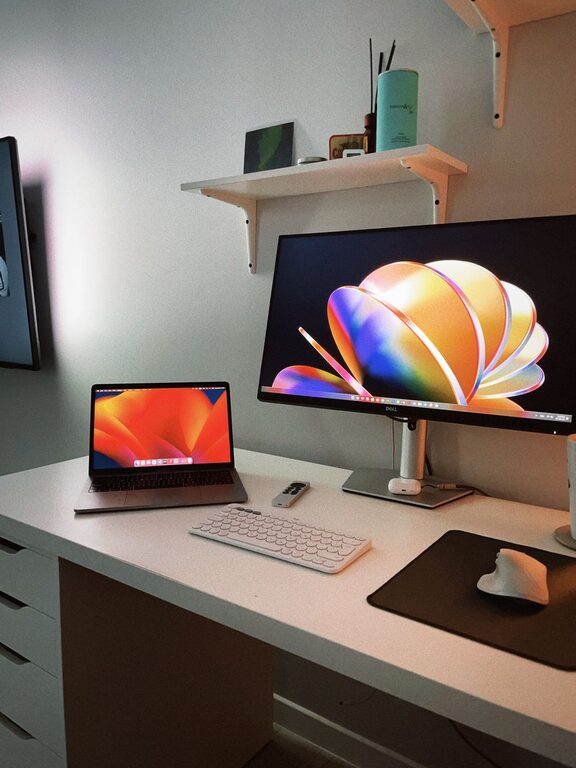
– Quality Equipment: Invest in a good monitor, keyboard, mouse, and headset.
– Backup Power: Consider a surge protector or uninterruptible power supply for important work.
Establish a Routine
Your environment supports productivity, but routine reinforces it.
– Consistent Hours: Set regular work hours and try to stick to them.
– Breaks: Schedule short breaks to move around and rest your eyes.
– Start and End Rituals: Develop habits that signal the beginning and end of your workday, like making coffee or a short walk.
Maintain Good Air Quality and Temperature
Your comfort includes your environment’s air and temperature.
– Ventilation: Keep windows open if possible or use an air purifier.
– Temperature Control: Adjust heating or cooling to stay comfortable but alert.
Regularly Reassess Your Setup
Your needs may change over time.
– Evaluate: Periodically check which parts of your workspace help or hinder productivity.
– Adjust: Don’t hesitate to move your desk, swap accessories, or update equipment.
—
Creating a home office that supports your productivity takes intentional planning and ongoing care. By focusing on comfort, organization, lighting, and minimizing distractions, you can design a space that not only feels good but also helps you perform at your best every day.
About the Author