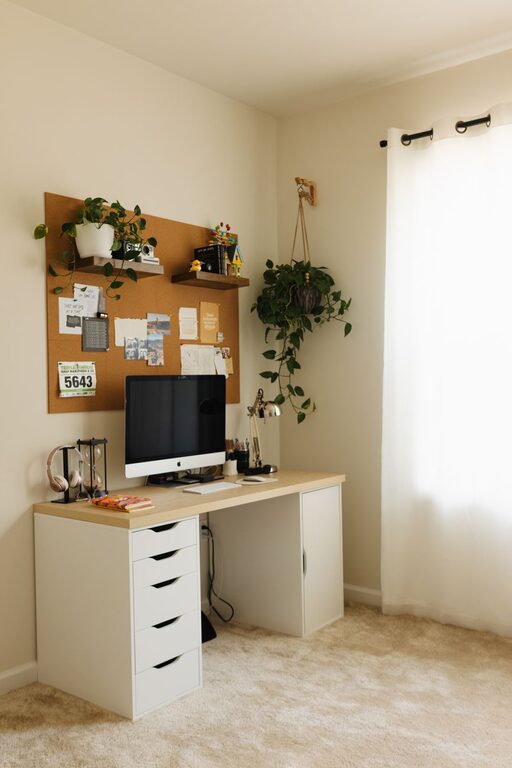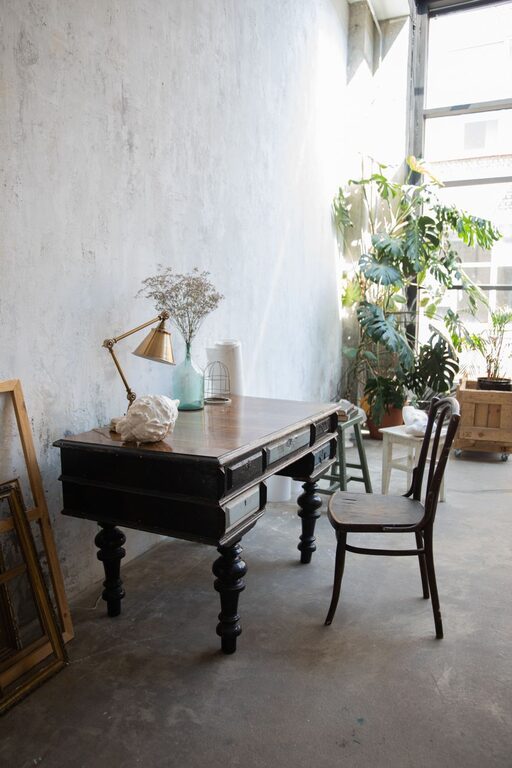
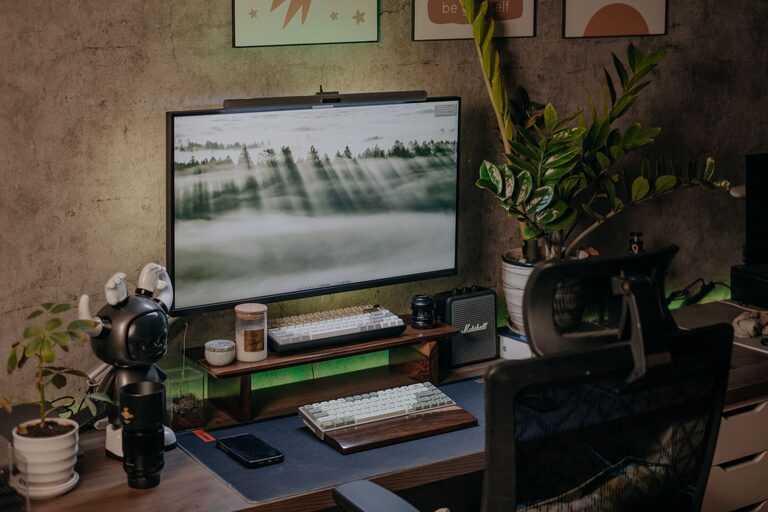
Creating a cozy and functional home workspace is essential for anyone working or studying from home. A well-designed space helps boost productivity, improves focus, and makes long hours at your desk more enjoyable. Whether you have a dedicated room or just a corner in your living area, thoughtful planning can transform it into a comfortable, efficient area tailored to your needs.
Why a Cozy and Functional Workspace Matters
Your home workspace isn’t just a place to work; it’s an environment that influences your mood and efficiency. A cluttered or uninspiring area can make it hard to concentrate, while a welcoming setup can encourage creativity and help you accomplish more in less time. Combining comfort with functionality ensures that your workspace supports your work habits without sacrificing personal well-being.
—
Tips to Design Your Perfect Home Workspace
1. Choose the Right Location
– Natural light: Place your desk near a window if possible. Natural light reduces eye strain and promotes a positive mood.
– Quiet area: Select a spot that minimizes distractions, especially in busy households.
– Space considerations: Make sure you have enough room for your essential equipment and some storage.
2. Invest in a Comfortable Chair and Desk
– Ergonomics: Choose a chair that supports your back and promotes good posture.
– Desk height: Your desk should allow your elbows to rest comfortably at a 90-degree angle.
– Adjustability: Adjustable chairs and desks with flexible heights accommodate different tasks and body types.
3. Organize for Efficiency
– Declutter regularly: Keep only what you need on your desk to avoid distractions.
– Use storage solutions: Shelves, drawers, and desk organizers help keep your workspace tidy.
– Cable management: Use clips or sleeves to keep cords neat and avoid tangles.
4. Create a Soothing Atmosphere
– Color palette: Use calming colors like soft blues, greens, or neutrals to reduce stress.
– Personal touches: Add items that inspire you, such as plants, art, or photos.
– Lighting: Combine natural light with adjustable lamps to avoid harsh shadows or glare.
5. Optimize Technology Setup
– Reliable equipment: Invest in a good-quality monitor, keyboard, and mouse for comfort.
– Internet connection: Ensure your workspace has strong Wi-Fi or access to Ethernet.
– Backup plan: Have chargers and cables handy, and consider a battery backup for power outages.
6. Incorporate Break and Movement Areas
Even in a small space, try to include an area where you can stretch or relax:
– Standing desk option: Consider a standing desk converter to alternate positions.
– Stretching space: Leave a little room for quick exercises to reduce stiffness.
– Comfort zone: A small chair or cushion nearby can be great for short mental breaks.
7. Set Boundaries and Routine
Design your workspace to signal “work mode” so you can mentally separate work from home life:
– Dedicated use: Reserve the space exclusively for work when possible.
– Consistent hours: Keep regular work hours to build routine.
– End-of-day rituals: Clear your desk or turn off your computer to mark the end of work.
—
Additional Tips for Different Working Styles
For Creative Professionals
– Use inspiration boards or pin up sketches and ideas.
– Access a variety of supplies within easy reach.
– Keep your workspace adaptable for different projects.
For Busy Parents
– Use space dividers or noise-canceling headphones to create boundaries.
– Set up activity kits to keep kids busy nearby.
– Schedule focused work time during quieter periods.
—
Final Thoughts
A cozy and functional home workspace is achievable with a few thoughtful adjustments. Focus on comfort, efficient organization, and an environment that supports your work habits. Remember, your workspace should evolve as your needs change, so don’t hesitate to tweak it until it feels just right. With the right setup, working from home can be both productive and enjoyable.
About the Author